Download and check a video with SaveVo on Windows
Use SaveVo's Windows Paste Link and manual review controls, choose a source format and output folder, then check the completed local file.
Android tests on 26 September 2026 completed short TikTok videos. Desktop tests on 28 September completed and decoded one short public sample. Quality depends on the actual source.
Copy the link to an accessible TikTok video you are allowed to save, analyze it in SaveVo, select an available video format and verify the completed file. Use the video's direct page URL if a copied short link no longer opens the intended post.
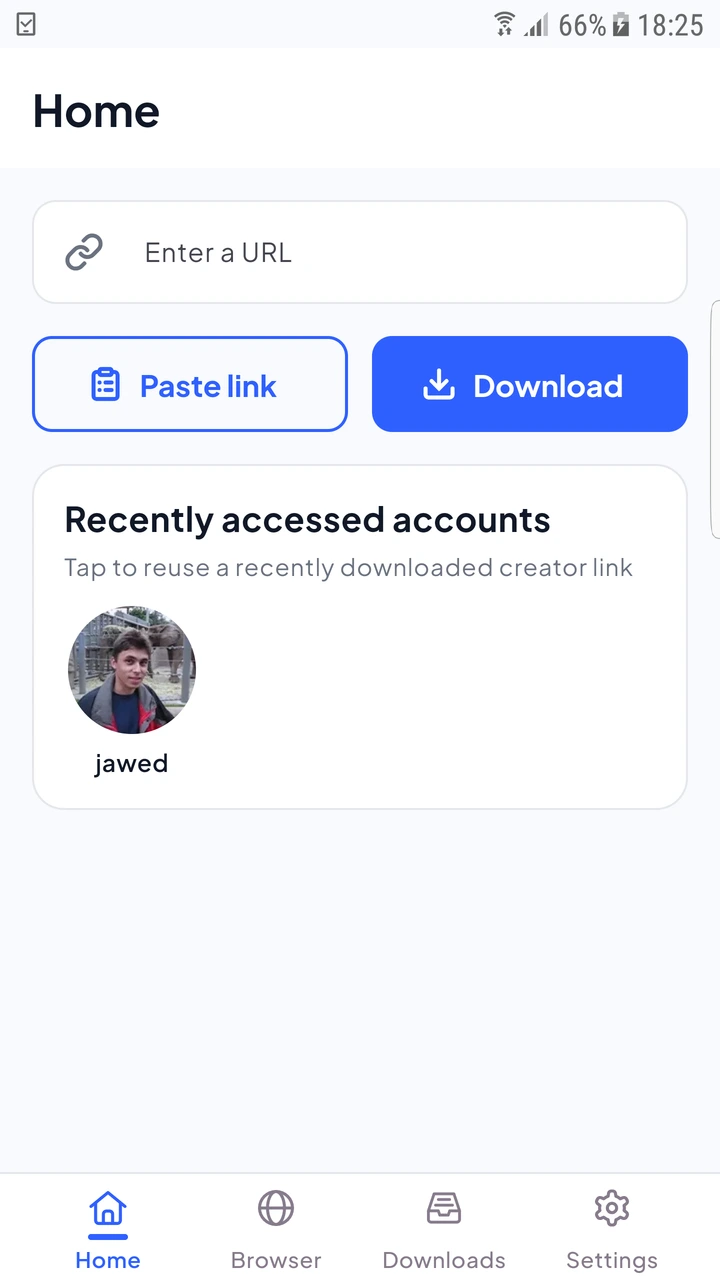
Android's physical-device report completed 11.68-second and 5.87-second video samples. It also tested photo posts separately. A photo slideshow may return image choices rather than the single video you expected; read the item type before selecting.
In Overview, turn Smart mode off for manual review, then use Paste Link. Check the returned source and format, review the filename and output folder, and confirm the download. The tested Windows TikTok sample completed and passed full decoding on 28 September 2026.
Once you understand the controls, Smart mode can reuse your saved preferences. Follow the Windows workflow for those steps rather than assuming the Android sheet appears on desktop.
“HD” describes picture dimensions; a source may not offer the HD version you want. Inspect the available resolution and codec instead of treating the title or preview as a guarantee. Selecting a higher preference does not reconstruct absent detail.
For a mobile connection, compare the size estimate when available and choose a resolution that meets your needs. The Android quality guide explains the tradeoffs without assigning a fixed size to a resolution.
If a clip was shared from another service, use the original post's URL and its corresponding guide. Instagram Reels and X videos on Android have different verified source coverage.
The Android tests encountered expired vm/vt links that redirected to TikTok's home page. Open the original post and copy its current item URL when available. If the item itself is removed or inaccessible, changing quality will not restore it. See source-access troubleshooting.
This guide establishes a tested video-download workflow. It does not promise watermark removal or a particular watermark state for every source.
Android audio conversion is not implemented. Inspect source audio choices when available; the format guide distinguishes selecting an audio stream from converting it.
The verified steps here download one selected item. They do not establish a tested unattended TikTok monitoring service.