Save a TikTok video with SaveVo on Android or Windows
Analyze a TikTok video URL in SaveVo, review available quality and check the saved file. Follow verified Android and Windows paths and short-link checks.
Android's 26 September report verifies a Reel and other post types. Windows' 28 September report verifies one Instagram video; it does not separately qualify every Reel or private post.
Use the link to the individual Reel, analyze it in SaveVo on Android, select its available video and wait for completion. Check the saved file's sound as well as its picture. The verified workflow covers accessible items; browser sign-in does not establish a private-post download path.
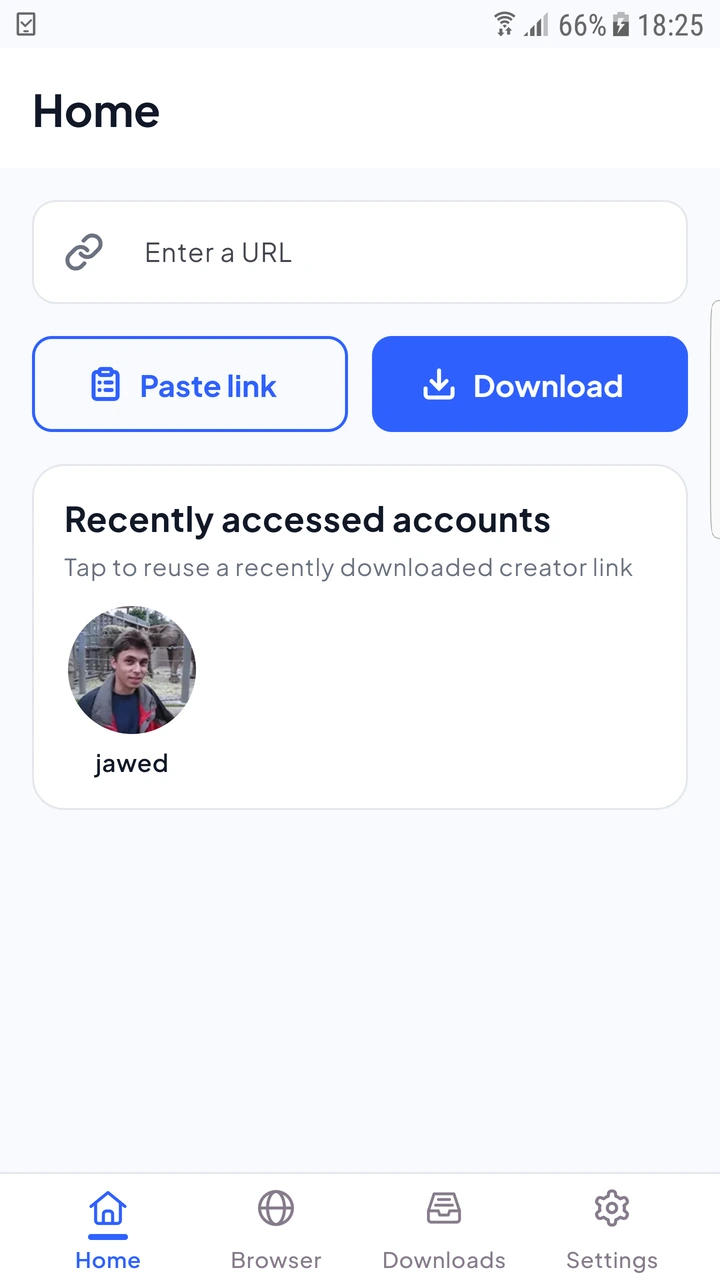
The 26 September physical-device tests exercised a Reel, a standard video with separate audio, image carousels, video carousels and a mixed post. Selected items produced distinct files. That broader post support does not mean a Reel URL downloads a whole profile.
If SaveVo returns multiple items, inspect their previews and types before confirming. Select the items you intend to keep rather than treating every preview as a video. In the tests, an empty selection disabled Download, and mixed image/video posts saved separate files.
Instagram's thumbnail and original image can differ. The verified Android image path selected the original supplied image URLs in tested posts; a small preview is not itself a measurement of the saved file.
Windows validation completed and fully decoded a short Instagram video. In Overview, disable Smart mode for manual review, use Paste Link, check the returned video and output folder, then confirm it. See the Windows guide.
This narrower Windows result should not be read as live verification of every Reel, carousel or restricted account.
Some tested Instagram fixtures exposed video-only streams and were silent. Other sources supplied separate audio that SaveVo merged. Check the source and available streams before concluding that every silent file is damaged.
The Android report also encountered a post unavailable to certain audiences. If the original item is restricted or removed, keep the error and use source-access troubleshooting. Repeated paste attempts do not prove authenticated access.
The public-source tests do not establish that capability. A browser session and downloader authentication are separate paths.
It preserves available media. A video-only source does not supply an audio track for SaveVo to invent.
The tested guide selects individual accessible media. Whole-account downloads and unattended account monitoring need separate verification and are not offered as working steps here.