
SaveVo for Windows
Download videos and manage your media directly on your PC.
Version 1.1.1 · x64 · 99.4 MB · Updated
Download for WindowsUnsigned review installer. Windows 11 x64 is the qualification target; clean-device testing is pending. Windows 10 has not been qualified.
This is a release candidate, with legal review and trusted code signing still pending. Windows may show an unknown-publisher or SmartScreen warning. Keep Windows security protections enabled; defer installation if you cannot establish trust.
SHA-256 checksums · Release notes and limitations
dae13e387bf47bfb3535ff5cec5f8b6888fe6d5046f8c88d66e3b3022656f854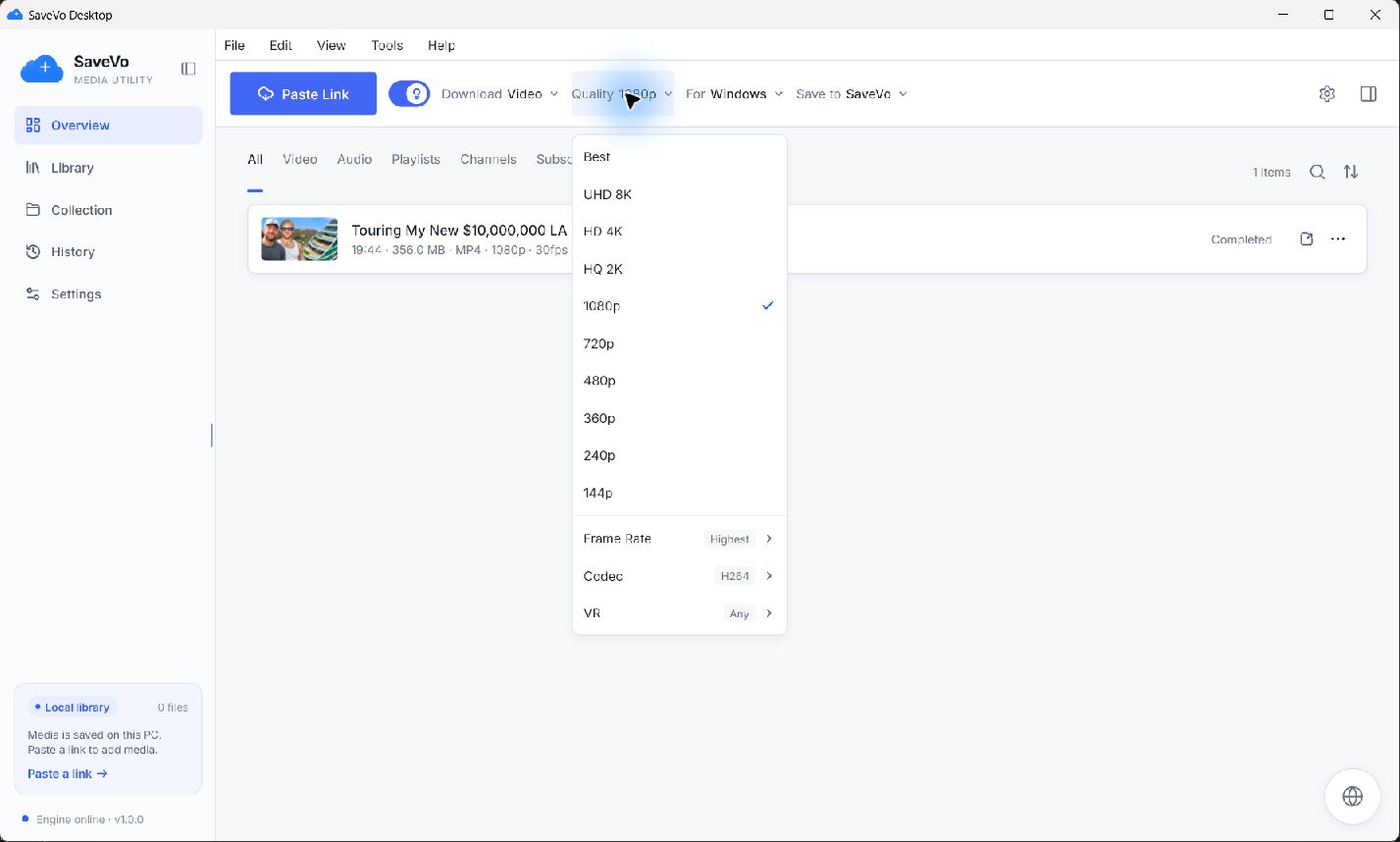
Your downloads, organized.
- Video and audio downloads from supported public, non-DRM sources; formats and quality depend on each source.
- Bounded download queue with progress, retry, cancellation and source-dependent resume.
- Persistent media library and named collections, with built-in playback.
- Settings, history and collections stored locally between launches.
Authentication rules and source availability still apply. A service appearing in the browser does not guarantee a downloadable format.
Before you install
- A 64-bit Windows PC. No macOS, Linux or ARM64 release is offered.
- Allow at least 1 GB of free disk space for installation, plus space for downloads and temporary media processing. This is a storage allowance, not a measured minimum hardware specification.
- Internet access to retrieve media. FFmpeg, yt-dlp, Node and the app runtime are included; developer tools are unnecessary.
- Microsoft Edge WebView2 Runtime is required for the embedded browser. Setup installs it from Microsoft if missing, using the included Microsoft-signed bootstrapper. Internet access is required for that step. Microsoft WebView2 information.
A minimum RAM/CPU specification and Windows 10 compatibility have not been established by clean-device tests.
Install in four steps
- Click Download for Windows.
- Open the downloaded setup file after reviewing its release status and checksum.
- Read the license draft and follow the setup wizard. Choose an optional desktop shortcut.
- Launch SaveVo from the Start menu or shortcut.
The installer normally installs for your account without administrator rights. Downloads and application data are stored separately from the program. Upgrades and default uninstall preserve them.
What changed in 1.1.1
Added a manual Check for updates action in Settings → About, connected the official Windows download page, and retained signature verification requirements for executable updates.
The download manager, local library and per-user installer retain the existing Flutter architecture. Clean-device qualification, trusted code signing and legal review remain pending.
Updates, privacy and help
Open Settings → About → Check for updates to visit this page and compare the installed version. Automatic installation is unavailable until trusted signing is configured. A checksum verifies file integrity; it does not establish a trusted publisher.
Desktop license agreement draft · Desktop privacy policy draft · Existing SaveVo privacy policy
Include your Windows version and SaveVo version when reporting an installation problem. Do not include passwords, cookies or tokens.