Fix an unavailable video or failed source analysis in SaveVo
Diagnose removed links, unsupported routes, HTTP 403 and protected media in SaveVo. Separate source access failures from Wi-Fi waits and file problems.
Android queue and Pause/Resume were exercised on the Redmi Android 10 device. Windows 1.1.0 queue recovery used real controlled HTTP transfers; its settings screenshot was captured on 8 October. These checks do not promise recovery from every source.
Read a download's status before starting it again. Queued means it is waiting for a transfer slot; Paused means it needs resuming; a failure needs its own diagnosis. Increasing the simultaneous-download limit can start more jobs, but cannot create bandwidth or make an unavailable source accessible.
Android Pause/Resume was exercised with actual video and audio transfers. Windows recovery tests used real HTTP transfers of controlled local media. Resume still depends on the source, retained partial files and a compatible selection.
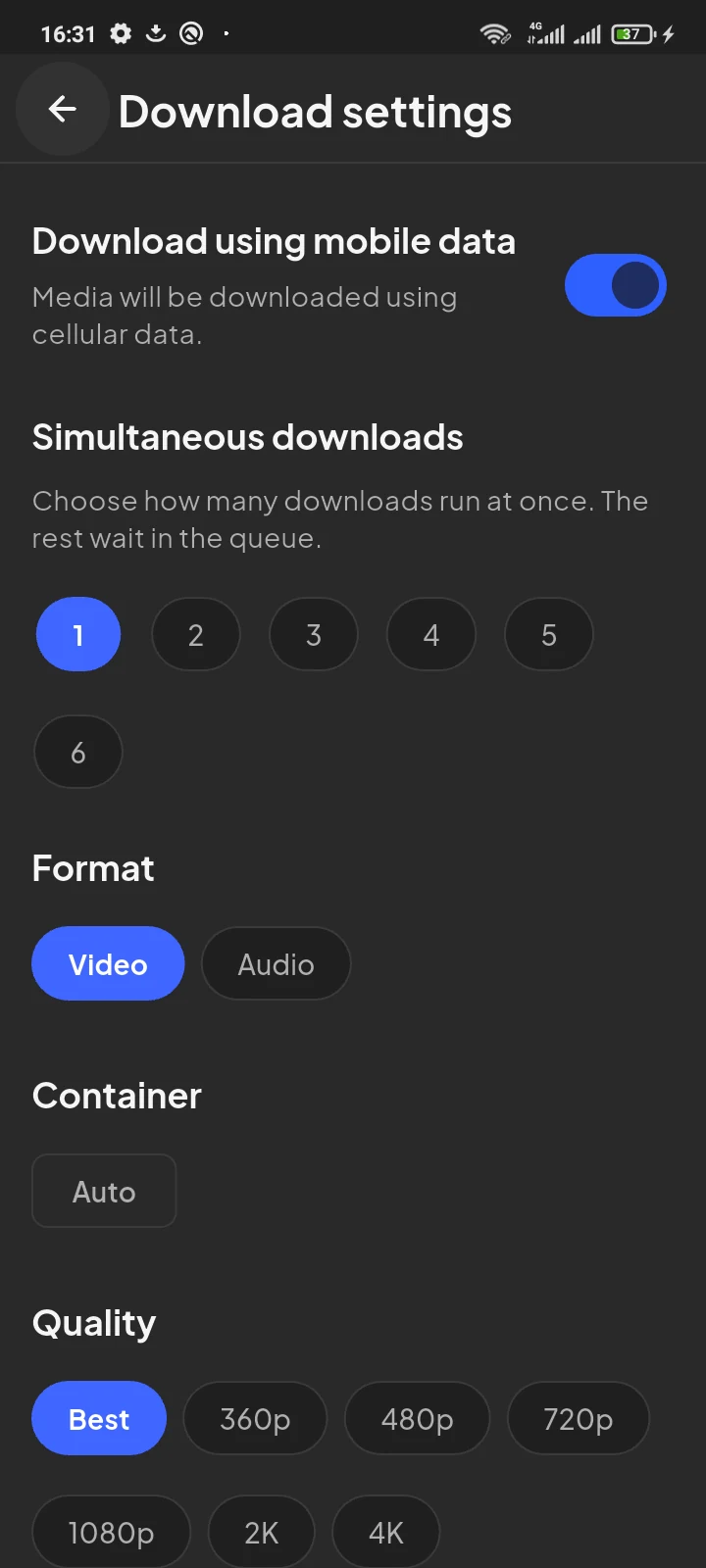
This screenshot comes from the tested Android 1.0.2 workflow. It illustrates the settings, not a new download performed for this article.
For an active item, use Pause when you want to stop it temporarily, then Resume when ready. Cancelling is a separate choice. A failed Android job can expose Retry; a cancelled job is added again rather than treated as a failed-job retry. Check the selected URL and format first.
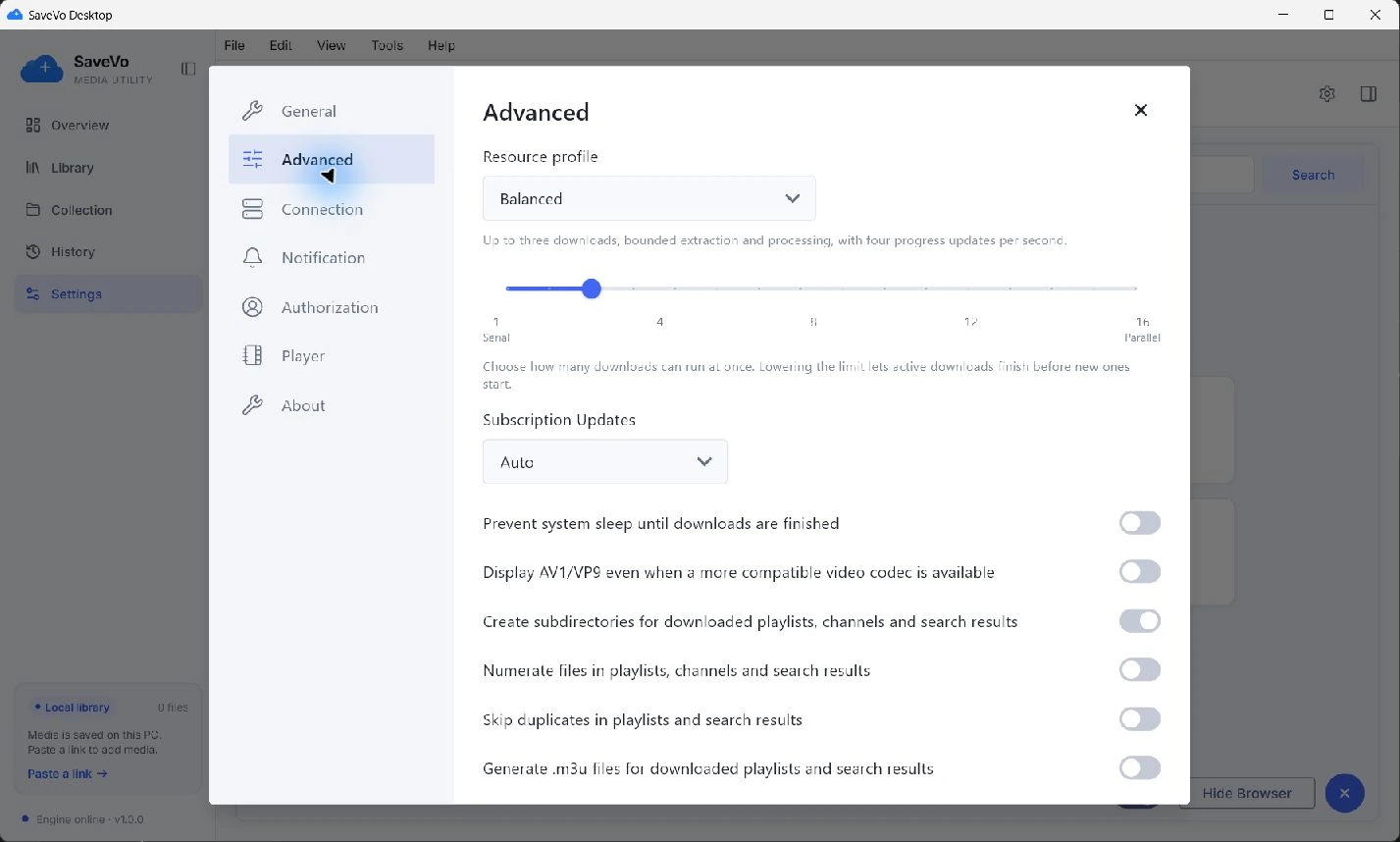
Lowering the Windows limit lets active jobs finish before new ones start. Closing SaveVo safely pauses unfinished work; continuing downloads in a Windows background tray is unavailable in this release.
Waiting for Wi-Fi on Android indicates a connection policy. It does not measure transfer speed. Check your connection and saved cellular preference; the Wi-Fi troubleshooting guide covers that branch.
If Retry fails again, check whether the original media still exists and whether its format remains available. Repeatedly pasting the same URL can create confusion without solving access or format errors. Follow source-error troubleshooting.
Keep partial files while you expect to resume. Deleting them removes the data needed for continuation. Use a modest quality for a first check, then inspect the completed file rather than assuming a queued card is saved media.
No. Android's source analysis does not expand a whole playlist or channel. Separately queued links and selected items from a supported social post are different operations.
Do not rely on that. Source-subscription code runs while the application is open, and its current public workflow still needs live verification.
Use the direct-media guide, Android video steps or Windows download steps. Find current preview and review-build availability in SaveVo downloads.