How to save YouTube audio as M4A with SaveVo on Android
Use SaveVo's Android Audio tab to select an available M4A stream, finish the download and play the audio file. See the tested format and size.
A single public SoundCloud preview track completed and fully decoded in Android tests on 2 October 2026. Whole-playlist downloads and unattended monitoring are not verified capabilities.
Analyze the individual track URL in SaveVo, select an available audio stream, and open the completed item in Downloads → Audio. Start with a recording you own or have permission to save. A source MP3 download is different from converting another format to MP3.
Open the intended recording and copy its individual track URL. SaveVo's verified Android route covers a track, not a whole SoundCloud set or creator page. If your original link points to a playlist, open the particular item you intend to save first.
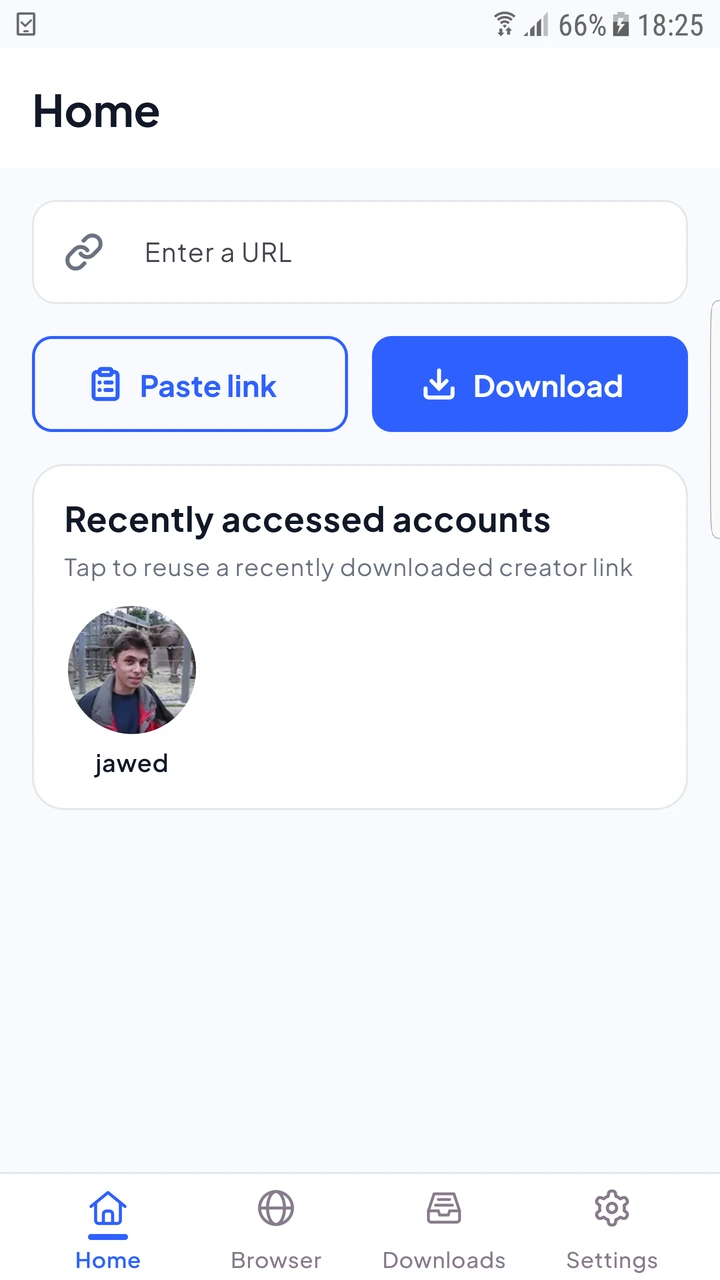
The 2 October device test saved a 143.18-second SoundCloud preview as 128 kbps stereo MP3. The 2,291,251-byte file was published to the audio collection, opened in the native audio player and fully decoded. These measurements belong to that single tested preview.
The tested source supplied MP3. SaveVo downloaded that stream; it did not convert YouTube or M4A audio to MP3. Different services and tracks can expose different formats, sizes or access conditions.
Read the format guide if your destination player needs a particular encoding. Renaming a file extension does not perform conversion, and a larger bitrate cannot restore detail absent from the recording.
Play each completed file before adding it to your collection. Keep the source URL, creator, permission information and actual file location with your notes. Use the local audio library guide for a practical backup checklist.
If the job is waiting for Wi-Fi, inspect the Android mobile-data policy. If source analysis fails, check whether the track is still accessible before repeating the same request.
Android's source extraction deliberately avoids whole-playlist and channel expansion. The verified guide uses individual track URLs.
No. The test source was a preview. Check what the original source provides and the completed file's duration.
Current Windows code includes SoundCloud source handling, but the reviewed reports do not establish a completed public SoundCloud download on Windows. This completed audio-download evidence is Android-specific.
That unattended workflow is not verified for this release. Keep the distinction between saving selected files and monitoring an online account.