How to download a YouTube video on Android with SaveVo
Save an accessible YouTube video with SaveVo on Android: enter its URL, choose video quality, check the queue and play the saved file.
Start with audio you have permission to save, choose an available audio stream in SaveVo, check the completed item under Downloads → Audio, and play it before adding it to your collection. Keep the source URL and any credits with your notes, and retain a second copy of files you want to keep.
We tested the saving, storage and playback steps in SaveVo 1.0.2 on Android 10. The example is the soundtrack of the openly licensed Blender film Big Buck Bunny.
A useful collection can contain your own recordings, permitted lessons, podcast episodes or licensed soundtracks. Begin with a clear purpose: listening during travel, reviewing a lesson, or keeping an authorized reference.
Channels, recommendations, credits and references can help you discover material. Record the original source when you find something useful. A bookmark is a reference to online material; a verified local file is a separate copy. Neither replaces a backup.
Keep a short note for each item:
| Field | Why keep it? |
|---|---|
| Title and creator | Identify the recording later |
| Source URL | Return to its context and description |
| Permission or license and required credit | Preserve the basis for your intended use |
| Date saved | Distinguish versions |
| File name and destination | Find the actual local copy |
For this sample, the film's Creative Commons record identifies its CC BY 3.0 license. Other recordings need their own permission check.
Use the M4A tutorial to analyze the source, select Audio, choose an available row and start the transfer.
Wait for completion before treating it as part of the library. During our test the pending audio job appeared in Videos, then the completed M4A appeared in Audio. Check the status if a new item is not yet where you expect it.
Tap the completed item. Listen to enough of it to confirm that you saved the right recording, and check its duration and file size. Our sample was about 10:35 and 9.8 MB; inspection confirmed an audio-only AAC stream inside the M4A file.
The completed item opened SaveVo's Audio player and began playing. Its title and creator made the recording identifiable, and the central play/pause control paused playback in our test.
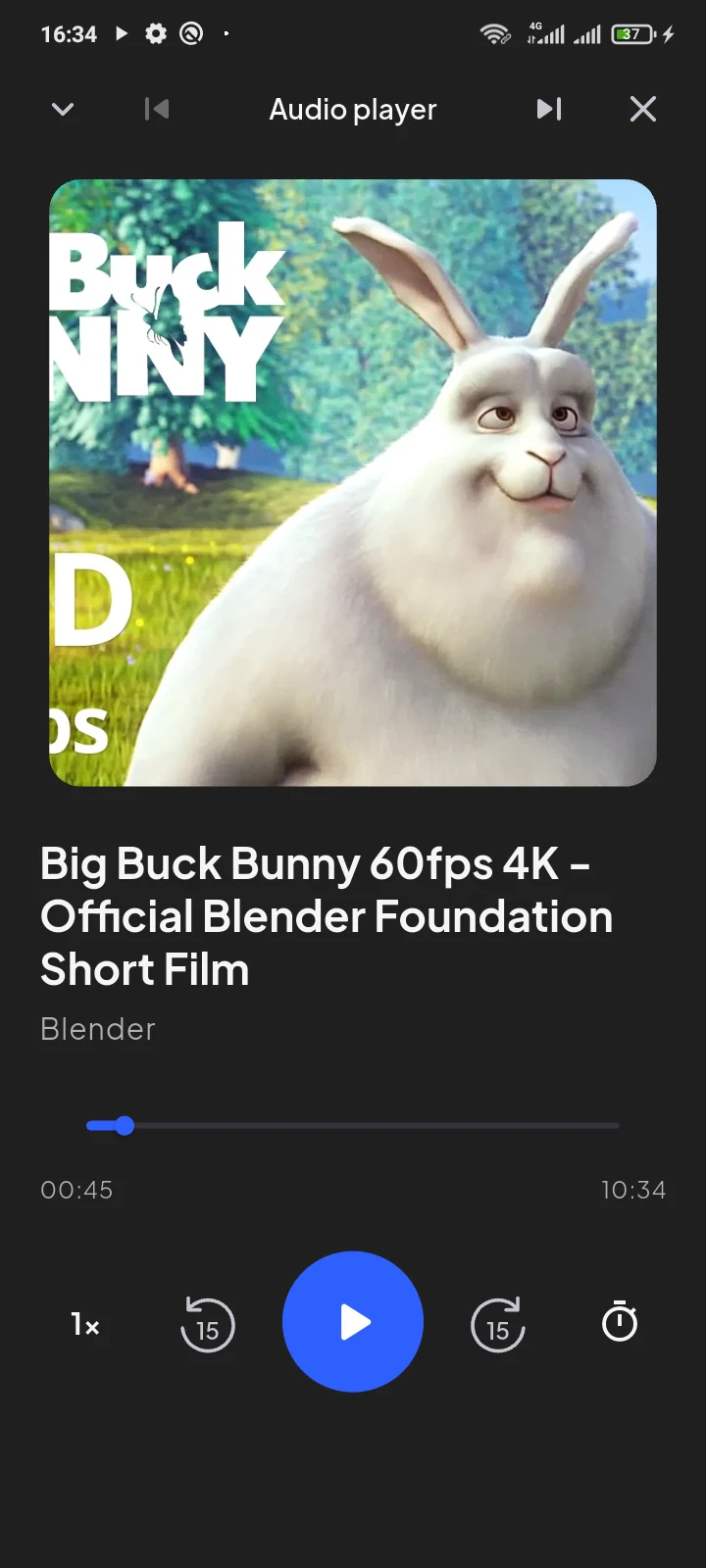
The displayed artwork is an identifier, not proof of the file's audio quality. Check the recording itself. The downloaded stream's codec, encoding and original source determine what you hear.
Open Settings → Download location. Our phone showed Downloads / SaveVo. We verified that the new M4A existed there and copied that sample to the laptop over USB.
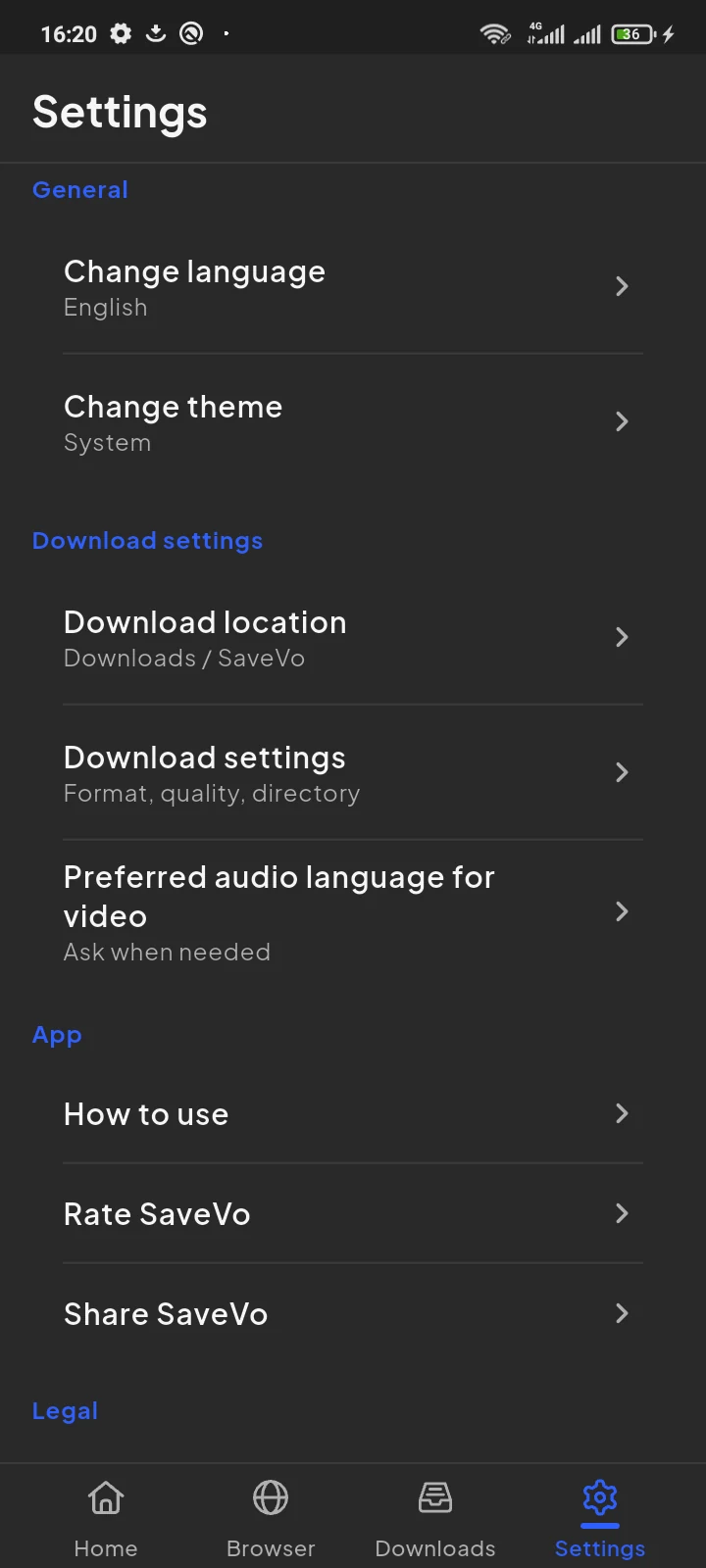
Keep a second copy outside the working phone, using a backup method you can restore from. Check that copied files open. Moving or deleting a file outside SaveVo can affect an existing library reference, so confirm the result before removing the working copy.
Before removing a working copy:
Keep an external index by subject, creator or listening purpose. For example, group notes into language lessons, interviews and permitted soundtracks, with the file names beside them. This does not depend on a particular playlist editor.
The tested workflow establishes an Audio list and a player. It does not establish named-playlist editing, automatic discovery, private online playlist access or cloud backup in this installed build. A collection of local files and a source account's saved playlist are different things.
A link can become unavailable. Verify the individual permitted local files and keep a second copy of the ones you want to retain.
Choose an available stream that fits your player, source quality and storage needs. A larger file does not restore information absent from the source.
Check whether it is still queued, waiting or paused, and whether the finished file still exists. See Android download troubleshooting.
This test selected an available M4A stream. It provides no basis for claiming lossless extraction or arbitrary audio conversion.
Sample artwork: © Blender Foundation / www.bigbuckbunny.org, CC BY 3.0.