Save an accessible Instagram Reel with SaveVo
Save an accessible Instagram Reel on Android with SaveVo, review media choices and check audio. See the narrower Windows evidence and private-post limits.
Android's 26 September 2026 report verifies individual Pinterest videos and an Idea video with audio. A tested image story analyzed but its image transfers returned HTTP 403.
Copy the URL of the individual Pinterest pin, analyze it from SaveVo Home, choose the available video and open the completed file. Use a pin you own or have permission to save. The tested workflow covers particular pins, rather than a whole board or every Pinterest story.
Open the intended pin and confirm that it contains video. Copy its item URL. If a short link no longer reaches the pin, use the original page URL when available. The dated Android tests found a pin.it fixture that no longer yielded its expected pin, while direct image and video pin URLs worked in separate cases.
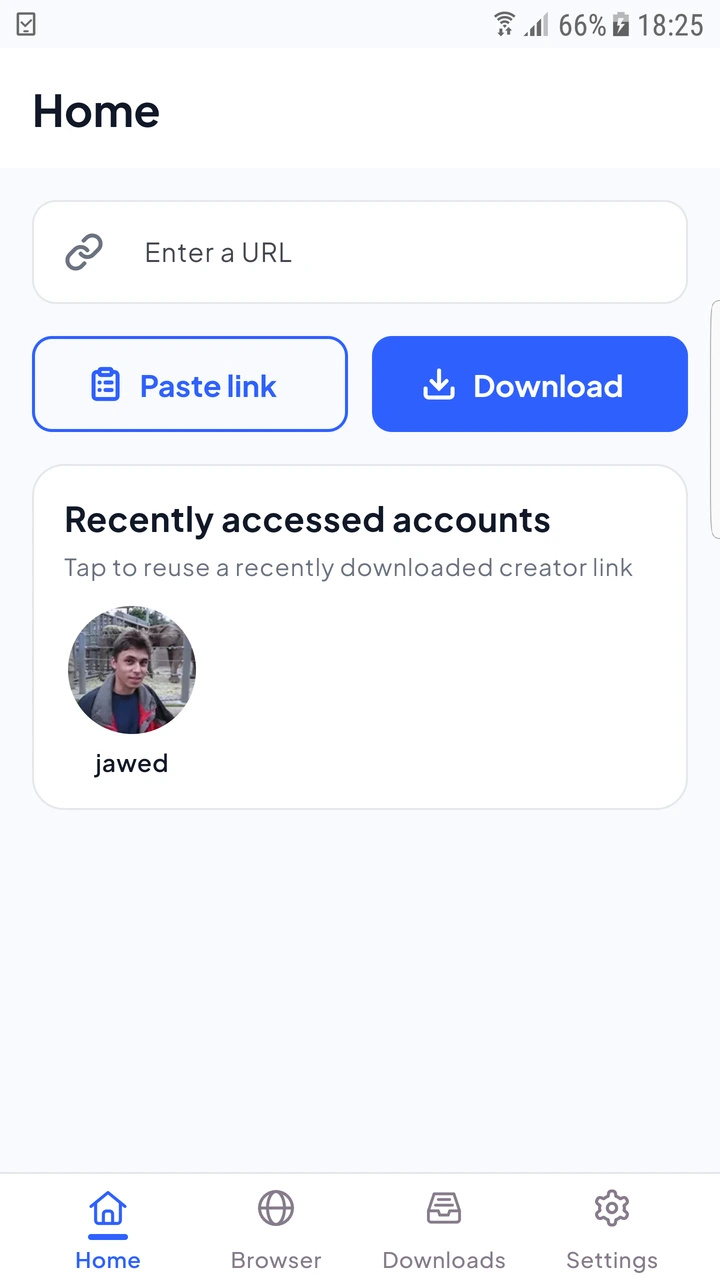
The physical-device report completed two standard videos and an 8.73-second Idea video containing sound. Their outputs were included in the report's full file-decoding checks. Different pins can offer different dimensions, formats or access conditions.
Inspect the actual choices after analysis. A pin preview is not evidence of a 4K stream, and the downloader cannot recreate detail absent from the source. See Android quality selection before starting a larger file on mobile data.
One three-image story analyzed as three items, but its original media URLs returned HTTP 403. The same refusal reproduced outside SaveVo. Seeing the items in a picker did not establish that the files could be saved.
If transfer is refused, keep the exact message and check another permitted accessible pin. If a job instead says Waiting for Wi-Fi, use the network-policy guide; that is a separate cause.
Board and collection downloads were not verified in the physical-device report. These steps use one individual pin.
Inspect the returned media type. The tests separately covered an Idea video and an image story, with different results.
Retry can repeat the request, but it does not make a denied source accessible. Read the new result before adding another job.