Download and check a video with SaveVo on Windows
Use SaveVo's Windows Paste Link and manual review controls, choose a source format and output folder, then check the completed local file.
A Facebook /reel/ URL completed and passed full decoding in the desktop report dated 28 September 2026. Android Facebook downloads and Facebook Live recording are not verified by that result.
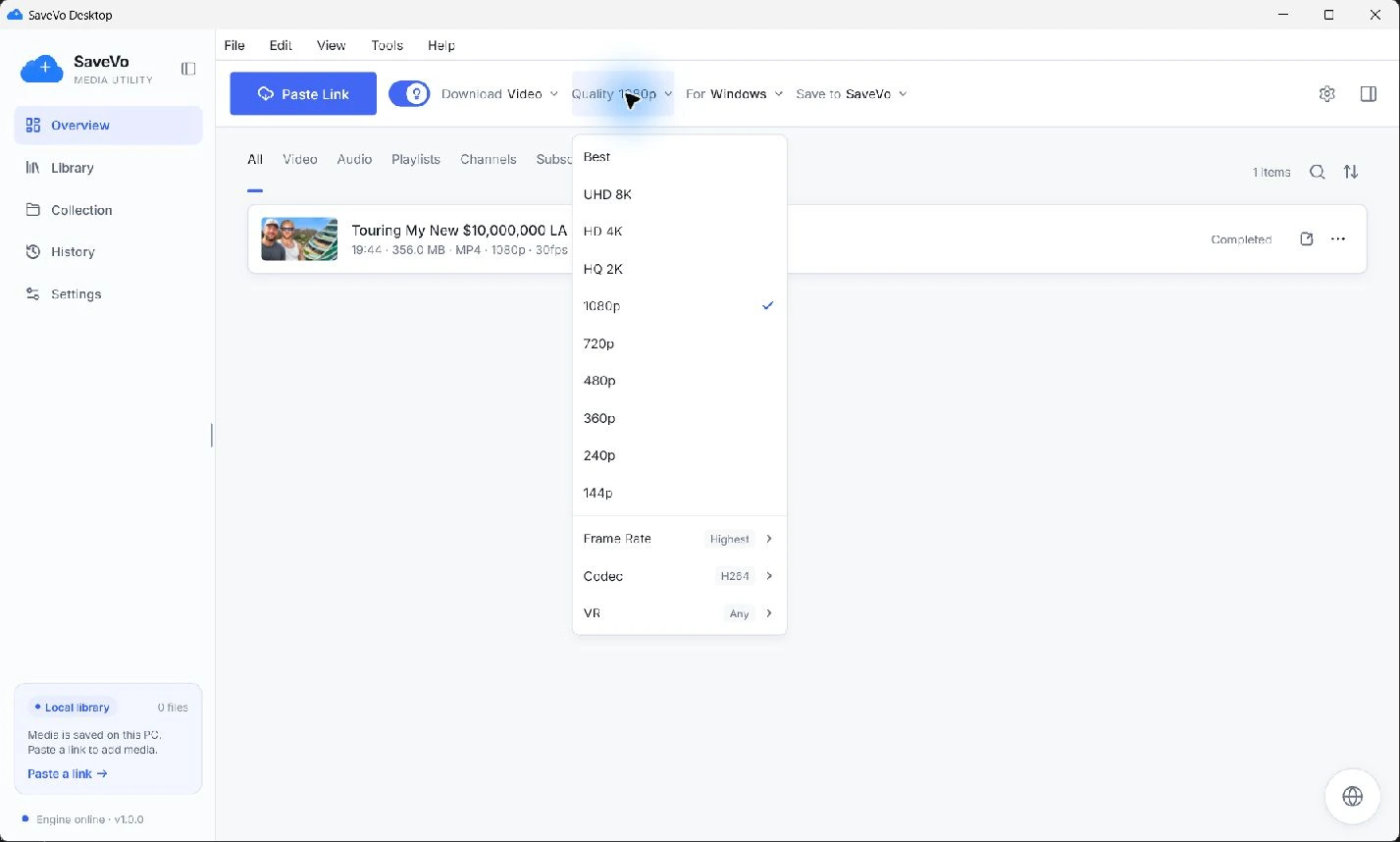
Copy the individual accessible Reel URL, open SaveVo's Overview, and use Paste Link. Turn Smart mode off when you want to inspect the available format and output folder before confirming. Check the completed local video for picture and sound.
The desktop report includes one successful public Facebook /reel/ source, completed and fully decoded on 28 September 2026. It does not establish access to every Reel or restricted account.
The Windows download guide explains the queue and saved-file checks in more detail. Open the completed item, then check its file in the player you intend to use.
Inspect the actual choices instead of inferring resolution from a thumbnail or the toolbar's reusable preference. Higher resolution, frame rate and codec restrictions can narrow the formats a source supplies.
The Windows quality guide documents the menu controls and their remaining preference-combination verification limits. Start with a small permitted Reel before relying on a large batch.
If analysis fails, open the original page and note whether the item is still accessible. If transfer fails after analysis, retain that error. If a completed file is silent or does not play in another application, inspect its streams and the destination player's support.
Use source-access troubleshooting for removed or refused media. Repeating a paste does not establish private-account authentication.
The feature review did not find a positive Android Facebook transfer result. This article's verified workflow is Windows-specific.
No live-recording result is established by the tested Reel. A short completed video and an active livestream require different verification.
Smart mode uses saved preferences for analysis and queueing. Check those preferences first, and return to manual review when the exact output matters.